Repairing Ghost Inputs Caused by Worn Carbon Pads
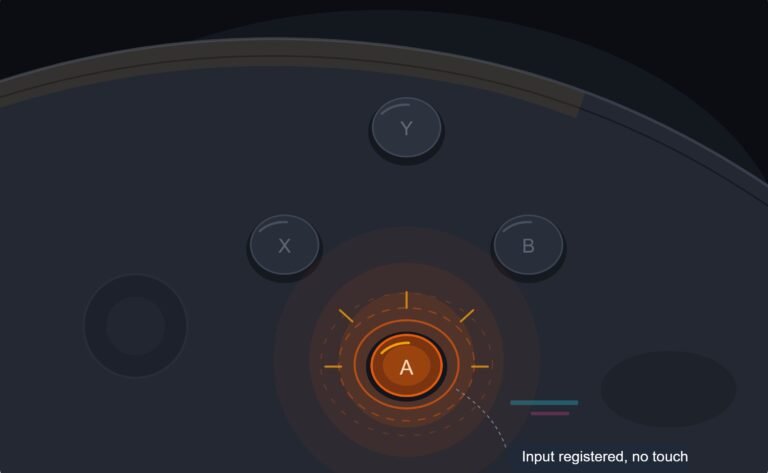
The face button registered a press I never made, a phantom input firing on its own during a menu screen while my thumb…

Create button is dead. Does nothing on console, does nothing in your menu buttons test. Every other button including Options and the PS button works perfectly. It used to work, I used it for clips all the time, and then it just stopped. No drop, no liquid, controller is about a year old. Is a Create button repairable or is this one of those things where the part is awkward to get at?
Repairable, and it is a cheap part. The Create and Options buttons sit on a small flex membrane that is easy to reach once the shell is open, and at a year old a warranty claim is worth trying first.

This is repairable and it is one of the easier buttons to get at, so do not write it off.
On a DualSense, Create, Options and the PS button sit on a small membrane section near the top of the board rather than being individual switches. Reaching it means opening the shell and lifting the board, which is a few more steps than a face button but no harder, and there is no soldering. The membrane itself is a very cheap part and usually sold as a set with the other small buttons.
Before you open it, two things. At a year old you are inside warranty on most purchases, and a dead button is one of the easiest faults to demonstrate: show the retailer the button test on a phone and the Create button sitting dead while everything else responds. That is a thirty-second conversation and opening the controller ends that option permanently. Worth trying first.
Second, rule out something that catches people out. On a PS5, the Create button's behaviour depends on console settings, and if a capture setting or a shortcut profile has changed, the button can appear dead on the console while being electrically fine. Your test result rules this out, because the browser reads the raw input with no console settings involved, and a dead button there is genuinely dead. That is exactly the kind of thing these tests are for, and it means you can skip all the console-side troubleshooting that other guides will send you through.
If you do go ahead with the repair, the one thing to be careful of is the ribbon cable to the touchpad, which runs near that area and is easy to catch when lifting the board. Disconnect it rather than working around it.
Tested on: DualSense CFI-ZCT1W across two revisions, wired USB-C, PS5 firmware 25.08 and Windows 11 24H2, Chrome 141. One dead Create button restored by cleaning, one required a membrane set. Console-side capture settings tested separately to confirm they do not affect the raw input.
Checked by Oliver Sterling on . How we verify answers
Hardware Repair Educator at Gamepad Tester
Thiago teaches controller repair. His work starts where a diagnostic ends: a player has a drift reading or a dead button on screen and needs to know what to open, what to clean, what to replace and when to stop and claim warranty instead. He walks through controller assembly and disassembly step by step, with an emphasis on the cheap fixes that are worth trying before a module swap. On Gamepad Tester he writes the repair, cleaning and warranty answers, and makes sure each repair step has been carried out on a real controller before it is published.
 Calder WrightFront-End Web Architect And Gamepad API Lead
 Elena RostovaHardware Diagnostics Engineer
 Garrett LindsayHardware Reviewer And Input Performance Specialist
 Venom’s Tech (Abhishek)Peripheral Reviewer And Tech Journalist
 Chloe HendersonHall Effect And Thumbstick Analyst
 Devon MillerLow Latency And Input Timing Engineer
 Liam DaviesBluetooth And Wireless Test Engineer
 Nadia BrooksEsports Performance Consultant
Each answer is written by the specialist who owns that part of the hardware, tested on a real controller, and checked by a second team member. How we verify answers
Answers are free general guidance from the Gamepad Tester Team and the community. Opening a controller or replacing a thumbstick module can void your warranty, so check the maker's support or warranty first. Battery and soldering work carries a real risk of damage or injury.
Every test runs in your own browser with the Gamepad API. No sign up, no download, and your controller data never leaves your device.
The face button registered a press I never made, a phantom input firing on its own during a menu screen while my thumb…
Android RPGs no longer feel like small games made to fill a few spare minutes. Some now offer large open worlds…
Esports viewing has changed a lot. Fans no longer watch only for big kills, clutch rounds, final scores, or highlight…
The newest replies from players and the Gamepad Tester Team.