Small Input Problems That Quietly Ruin Your Game Sessions
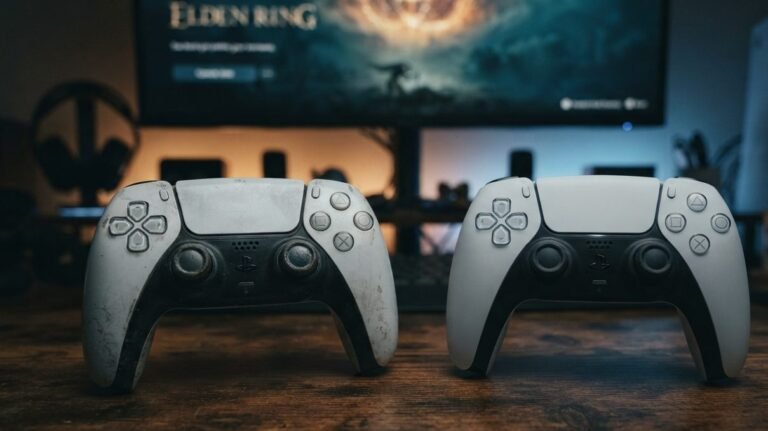
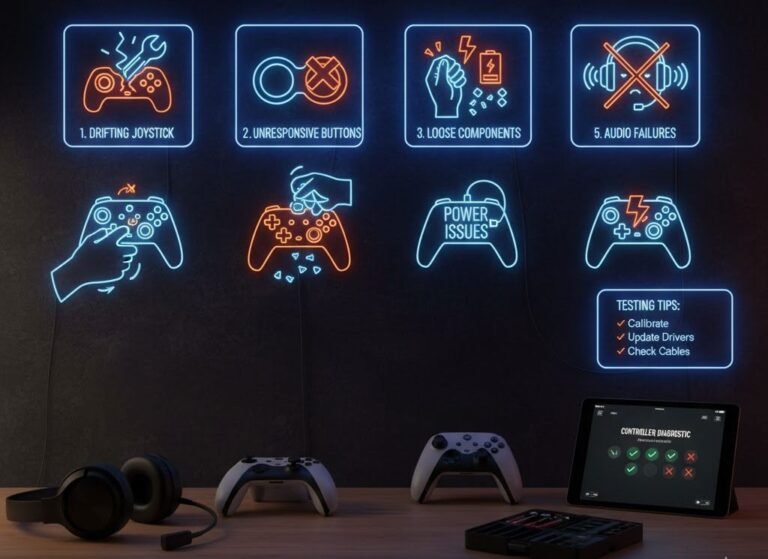
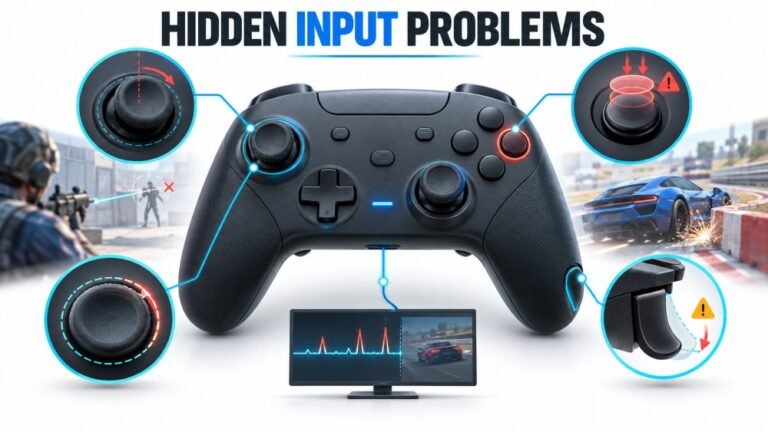
There is a particular kind of bad session that never gets diagnosed. You lose a duel you should have won. Your car…

The small pair button on top of my Xbox controller is stuck down and doesn't click anymore. I need to pair it to my Xbox again. Can I do it without that button?
Yes, for the console. Plug the controller into the Xbox with a USB data cable and press the Xbox button; the console pairs it without the pair button. Bluetooth pairing with phones and PCs needs the button, so a repair or warranty claim is still worth it.

Good news for your Xbox: you can pair it without that button.
Console pairing by cable. Connect the controller to the console with a USB cable that carries data and press the Xbox button. The console pairs it automatically. Unplug the cable afterwards and it reconnects wirelessly when you turn it on near the console.
PCs. On Windows, a USB cable works without any pairing at all.
Phones and Bluetooth devices. Bluetooth pairing needs the controller in pairing mode, which requires the pair button. Without it, you cannot pair to a new phone or PC over Bluetooth.
The button itself. A stuck pair button is usually the small switch or its plastic cap. Sometimes dirt holds it down; pressing gently around the edge or a short burst of compressed air can free it. Otherwise it is a simple repair for a shop, or a warranty claim if the controller is still covered.
Once reconnected, our gamepad tester on a PC confirms every other button still works normally.
Tested on: Applies to Xbox Wireless Controllers with Xbox consoles and PCs. Pairing steps per Xbox support's controller connection guide.
Checked by Liam Davies on . How we verify answers
Hardware Repair Educator at Gamepad Tester
Thiago teaches controller repair. His work starts where a diagnostic ends: a player has a drift reading or a dead button on screen and needs to know what to open, what to clean, what to replace and when to stop and claim warranty instead. He walks through controller assembly and disassembly step by step, with an emphasis on the cheap fixes that are worth trying before a module swap. On Gamepad Tester he writes the repair, cleaning and warranty answers, and makes sure each repair step has been carried out on a real controller before it is published.
 Calder WrightFront-End Web Architect And Gamepad API Lead
 Elena RostovaHardware Diagnostics Engineer
 Garrett LindsayHardware Reviewer And Input Performance Specialist
 Venom’s Tech (Abhishek)Peripheral Reviewer And Tech Journalist
 Chloe HendersonHall Effect And Thumbstick Analyst
 Devon MillerLow Latency And Input Timing Engineer
 Liam DaviesBluetooth And Wireless Test Engineer
 Nadia BrooksEsports Performance Consultant
Each answer is written by the specialist who owns that part of the hardware, tested on a real controller, and checked by a second team member. How we verify answers
Answers are free general guidance from the Gamepad Tester Team and the community. Opening a controller or replacing a thumbstick module can void your warranty, so check the maker's support or warranty first. Battery and soldering work carries a real risk of damage or injury.
Every test runs in your own browser with the Gamepad API. No sign up, no download, and your controller data never leaves your device.
There is a particular kind of bad session that never gets diagnosed. You lose a duel you should have won. Your car…
Someone asked me whether they should repair a two-year-old controller with drifting sticks or just buy a new one, and…
Whether you're a casual gamer or a competitive player, a malfunctioning controller can ruin your gaming experience…
The newest replies from players and the Gamepad Tester Team.