Smart Floor Lamp Setup For Your Gaming Room: A Beginner’s Matter Guide
A good gaming setup is more than a fast controller and a sharp screen. The light around you changes how long you can…

Questions about Console And Cloud Gaming Controllers from Gamepad Tester players, answered and checked by the Gamepad Tester Team.
The rear buttons are designed to be assigned. Look in the Switch 2's controller settings for button mapping options for the Pro Controller, and…
Not natively. Xbox consoles support Xbox Wireless Controllers and licensed Xbox controllers. Third-party adapters can make a DualSense appear as an…
Possibly. Pressing the Xbox button on a paired controller turns the console on, so a controller squashed in a drawer can do it. HDMI-CEC can also…
Yes. The Switch Lite supports wireless controllers, including the Pro Controller and Joy-Cons, paired from Controllers, Change Grip/Order. He will…
Pair the Xbox controller to the Quest over Bluetooth from the headset's device or Bluetooth settings, then open the Xbox app or cloud gaming in the…
Not natively. The PS5 only supports Sony's controllers and licensed PS5 controllers for PS5 games. Third-party adapters exist that make other…
Not natively. The Switch only supports Nintendo's controllers and licensed ones. A USB wireless adapter such as the 8BitDo USB Wireless Adapter 2…
Yes. The PS5 has a controller speaker volume setting in its sound or accessories settings. Turn it down or to zero. Plugging headphones into the…
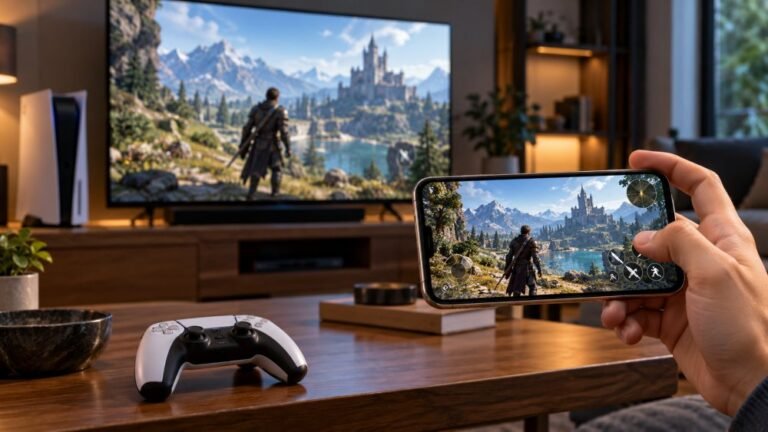
For remote play, the controller must be connected to the phone, not the console. The console is at the other end of the stream. Pair the controller…
Joy-Con 2 mouse mode uses an optical sensor, like a computer mouse. Glass, glossy and soft surfaces confuse it. Use a mouse pad, a matte desk or a…
Pair the controller to the TV over Bluetooth from the TV's Bluetooth or device settings. The Xbox app on supported LG, Samsung, VIDAA and Fire TV…
Yes. Xbox consoles have controller vibration options in the accessibility settings for controllers, where you can turn vibration off. Elite…
Yes. Open System Settings, Controllers and Sensors, and turn off Controller Vibration. It applies to all games. Some games also have their own…
Since the button works in the test, it is a console setting. Check the capture settings under Preferences, Capture and share, check the Share button…
Yes, Apple TV supports Xbox Wireless Controllers and the DualSense. Put the controller in pairing mode, then go to Settings, Remotes and Devices…
Every test runs in your own browser with the Gamepad API. No sign up, no download, and your controller data never leaves your device.
A good gaming setup is more than a fast controller and a sharp screen. The light around you changes how long you can…
Mobile gaming has become an increasingly popular way to enjoy video games, with smartphones now capable of running…
There is a particular kind of bad session that never gets diagnosed. You lose a duel you should have won. Your car…
Web developers and hardware testers who build the Gamepad Tester tools and check every answer on real PS5, PS4, Xbox, Nintendo Switch and PC controllers.

Front-End Web Architect And Gamepad API Lead
Builds the browser test scripts behind Gamepad Tester and keeps them accurate at high polling rates.
23 answers · Profile

Hardware Diagnostics Engineer
Runs the bench tests that measure deadzone error and stick circularity on competitive controllers.
16 answers · Profile

Hardware Reviewer And Input Performance Specialist
Reviews controllers on measured numbers: deadzones, polling rate and how long the parts actually last.
20 answers · Profile

Peripheral Reviewer And Tech Journalist
Covers mobile controllers, budget pads and third-party stick drift in close detail.
15 answers · Profile

Hall Effect And Thumbstick Analyst
Tests hall effect sticks against standard potentiometers for accuracy, drift and magnetic error.
13 answers · Profile

Hardware Repair Educator
Shows players how to use a test result to find and fix a fault themselves.
27 answers · Profile

Low Latency And Input Timing Engineer
Makes sure a latency reading shows the controller's real delay and not the network's.
27 answers · Profile

Bluetooth And Wireless Test Engineer
Diagnoses packet drops, jitter and dropouts on controllers tested over wireless.
22 answers · Profile
The newest replies from players and the Gamepad Tester Team.