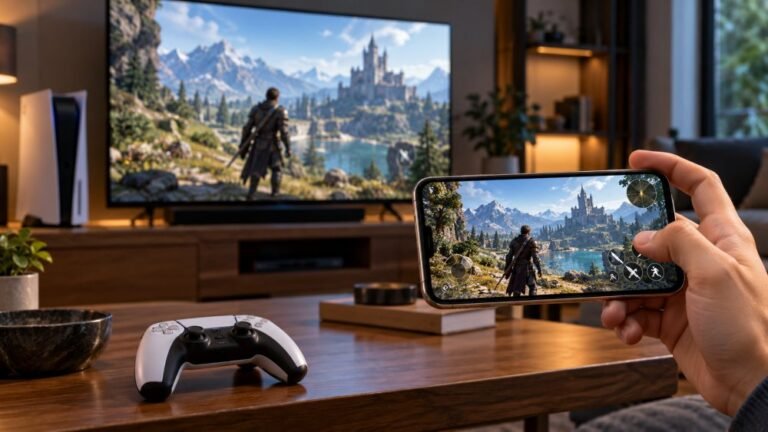
Smart Floor Lamp Setup For Your Gaming Room: A Beginner’s Matter Guide
A good gaming setup is more than a fast controller and a sharp screen. The light around you changes how long you can…

The HD Rumble on my Joy-Cons is too buzzy for me and my son finds it annoying in some games. Is there a way to turn vibration off on the Switch for all games?
Yes. Open System Settings, Controllers and Sensors, and turn off Controller Vibration. It applies to all games. Some games also have their own vibration setting for finer control.

The Switch has a simple system-wide switch for this.
Open System Settings from the Home menu, go to Controllers and Sensors, and find Controller Vibration. Turn it off. It applies to Joy-Cons and Pro Controllers across all games.
If you only want less vibration in particular games, look in that game's options instead; many games have their own vibration setting, so you can leave it on for games you enjoy it in.
On Switch 2 consoles, the controller settings follow the same idea, so look in the controllers section of System Settings for vibration.
If vibration feels unusually buzzy or rattly compared with before, that can point to a loose part in one Joy-Con. Our vibration test on a PC or phone, with the Joy-Con paired by Bluetooth, can help compare left and right, though browser support for Joy-Con rumble varies.
Tested on: Applies to Joy-Con and Pro Controllers on Nintendo Switch and Switch 2. Settings per Nintendo Switch system menus.
Checked by Sarah Jenkins on . How we verify answers
Haptics And Rumble Test Engineer at Gamepad Tester
Camila works on vibration and haptics, with a background in audio and signal work that transfers directly: a rumble motor is a frequency-and-amplitude problem, and the difference between a weak motor, a flat waveform and a browser that is not sending anything is audible and measurable before it is visible. She tests both motors independently, the DualSense haptic layer and the adaptive triggers, across the connections that support them and the ones that silently do not. On Gamepad Tester she owns the vibration test and the rumble faults topic.
 Calder WrightFront-End Web Architect And Gamepad API Lead
 Elena RostovaHardware Diagnostics Engineer
 Garrett LindsayHardware Reviewer And Input Performance Specialist
 Venom’s Tech (Abhishek)Peripheral Reviewer And Tech Journalist
 Chloe HendersonHall Effect And Thumbstick Analyst
 Thiago AlvesHardware Repair Educator
 Devon MillerLow Latency And Input Timing Engineer
 Liam DaviesBluetooth And Wireless Test Engineer
Each answer is written by the specialist who owns that part of the hardware, tested on a real controller, and checked by a second team member. How we verify answers
Answers are free general guidance from the Gamepad Tester Team and the community. Opening a controller or replacing a thumbstick module can void your warranty, so check the maker's support or warranty first. Battery and soldering work carries a real risk of damage or injury.
Every test runs in your own browser with the Gamepad API. No sign up, no download, and your controller data never leaves your device.
A good gaming setup is more than a fast controller and a sharp screen. The light around you changes how long you can…
Mobile gaming has become an increasingly popular way to enjoy video games, with smartphones now capable of running…
There is a particular kind of bad session that never gets diagnosed. You lose a duel you should have won. Your car…
The newest replies from players and the Gamepad Tester Team.