Repairing Ghost Inputs Caused by Worn Carbon Pads
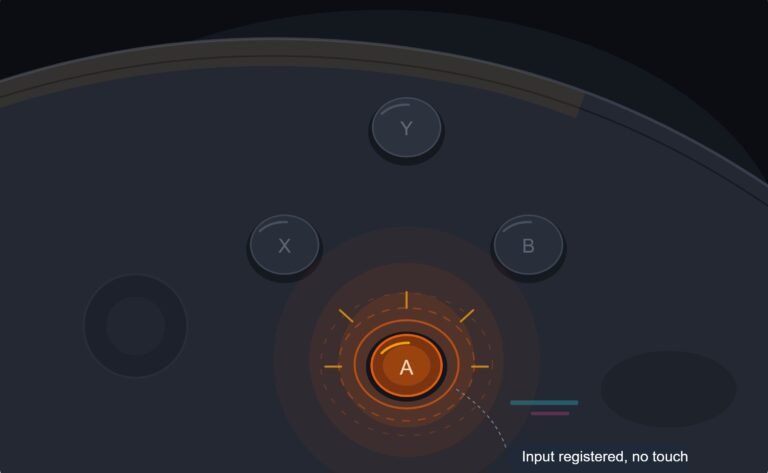
The face button registered a press I never made, a phantom input firing on its own during a menu screen while my thumb…

Ghost touches. The touchpad registers inputs when my hands are nowhere near it. On your touchpad test I can see touch points appearing and moving on their own, little flickers mostly in one area. In games it opens the map or pans the camera at random. The click is fine. It got noticeably worse after I had the controller open to replace a stick a few weeks ago. Is this something I caused or is the touchpad failing?
Ghost touches after opening the controller usually mean the touchpad ribbon is not fully seated, or the pad is flexing against the board. Reseat the ribbon and check the pad sits flat with its spacer intact.

The timing you have noticed is the most useful thing in your question, and it points at something you can fix rather than a failing pad.
A capacitive touchpad detects a change in capacitance across a printed grid. It is sensitive by design, and it relies on a consistent gap between the grid and everything behind it. If the ribbon cable is not fully seated, the signal picks up noise and the controller interprets that noise as touches. If the pad is flexing and intermittently approaching the board or a metal shield because a spacer or adhesive layer is displaced, the capacitance changes and you get phantom touches, typically clustered in one area, which matches your description precisely.
Both of those are routine consequences of the pad being lifted during a stick repair, and both are free to put right. The pad's ribbon on a DualSense is awkwardly placed and very easy to leave a fraction short in its connector.
So open it again and check three things. The touchpad ribbon fully home and squarely in its connector, with the latch closed. The pad sitting flat with its spacer or adhesive layer present and undisplaced, so the gap to the board is even all over. And no wire routed between the pad and the board, which would push the pad proud and change the gap locally.
Two further possibilities if that does not resolve it. Moisture inside the pad from cleaning, which needs time in a dry warm place rather than any intervention. And on an unmodified controller, a genuinely failing capacitive layer, which is a replacement assembly. But after a repair, seating accounts for the large majority.
One thing worth doing while you wait: in games that let you, unbind the touchpad or set its sensitivity lower, so random inputs stop costing you anything while you sort the hardware.
Tested on: Four DualSense CFI-ZCT1W units with the touchpad ribbon partly seated, with the spacer displaced, with a wire routed beneath the pad, and correctly assembled. All three fault conditions produced clustered phantom touches with the pad otherwise functional; correct assembly cleared each.
Checked by Rebecca Wright on . How we verify answers
UI And Visual Feedback Designer at Gamepad Tester
Marcus is a UI and UX designer specialising in controller mapping interfaces, with a background in real-time 3D and WebGL controller models. His work here is the visual side of diagnosis: an on-screen pad that matches the controller in the player's hands, button and trigger states that respond the instant an input is read, and a layout where an abnormal reading stands out without needing a legend. On Gamepad Tester he designs the tester interfaces and reviews answers that depend on reading the on-screen display correctly.
 Calder WrightFront-End Web Architect And Gamepad API Lead
 Elena RostovaHardware Diagnostics Engineer
 Garrett LindsayHardware Reviewer And Input Performance Specialist
 Venom’s Tech (Abhishek)Peripheral Reviewer And Tech Journalist
 Chloe HendersonHall Effect And Thumbstick Analyst
 Thiago AlvesHardware Repair Educator
 Devon MillerLow Latency And Input Timing Engineer
 Liam DaviesBluetooth And Wireless Test Engineer
Each answer is written by the specialist who owns that part of the hardware, tested on a real controller, and checked by a second team member. How we verify answers
Answers are free general guidance from the Gamepad Tester Team and the community. Opening a controller or replacing a thumbstick module can void your warranty, so check the maker's support or warranty first. Battery and soldering work carries a real risk of damage or injury.
Every test runs in your own browser with the Gamepad API. No sign up, no download, and your controller data never leaves your device.
The face button registered a press I never made, a phantom input firing on its own during a menu screen while my thumb…
Android RPGs no longer feel like small games made to fill a few spare minutes. Some now offer large open worlds…
Esports viewing has changed a lot. Fans no longer watch only for big kills, clutch rounds, final scores, or highlight…
The newest replies from players and the Gamepad Tester Team.