
Playing Mobile Games With A Controller: What Works, What Doesn’t, And What To Test Before You Spend
You paired the controller, the light went solid, your phone said "Connected," and then the game did absolutely…

USB-C is supposed to be reversible but mine is not. Flip the plug and it charges, flip it back and nothing. Same with two cables so I assume it is the controller socket. On your USB port charging test the charge state only appears in one orientation. It works perfectly in the good orientation so I have just been living with it, but I would like to know what is actually broken and whether it will get worse.
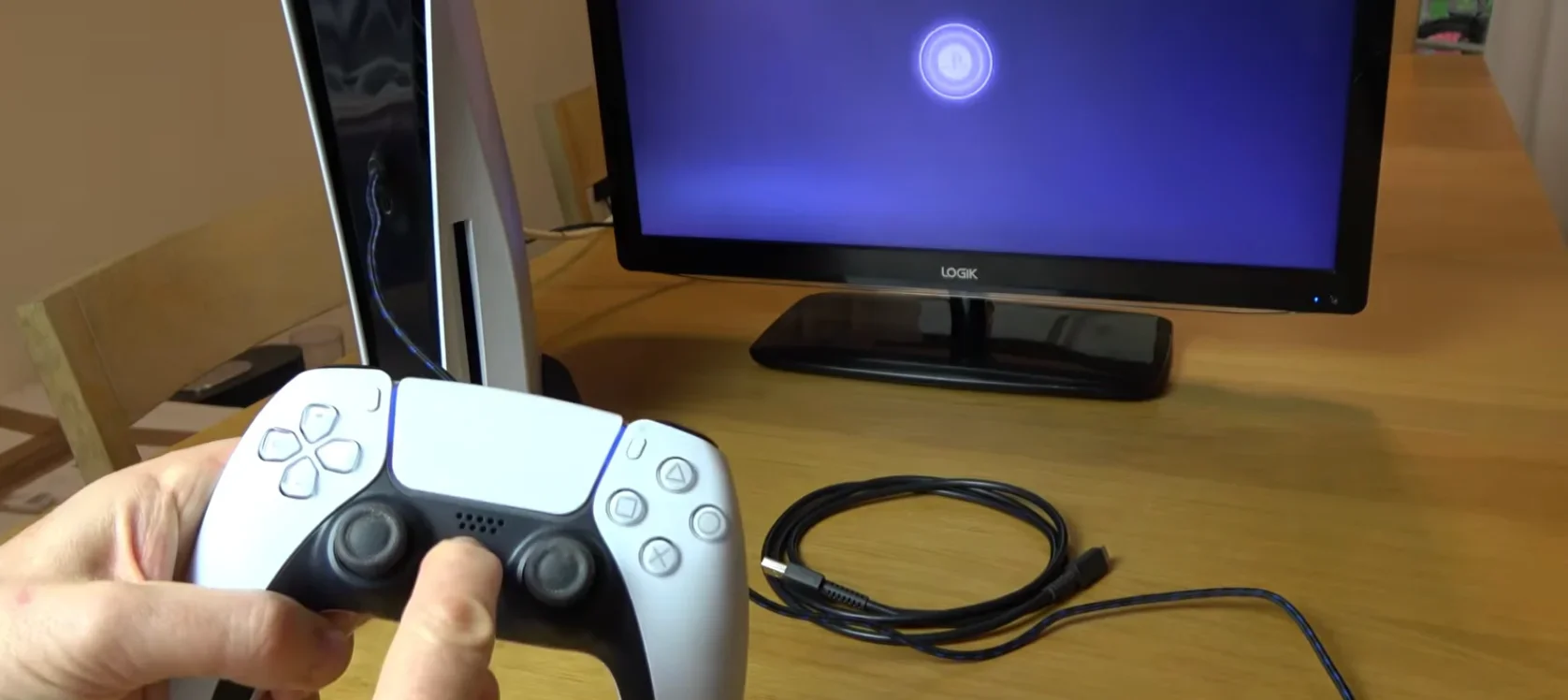
A USB-C socket has duplicate contacts on each side so it works either way. One side has failed, usually bent or contaminated. It will get worse, so clean it now and have it replaced before the good side goes too.

This is a genuinely useful early warning rather than a quirk, so I would act on it rather than live with it.
A USB-C socket is reversible because it has two sets of contacts, one on each face, electrically paired. Whichever way you insert the plug, one set does the work. If one orientation does nothing, one set of contacts has failed: either bent down and no longer touching, or contaminated to the point of not conducting, or with a cracked solder joint on that side. The other set is doing all the work.
That is why it will get worse. You are now running every charge cycle through a single set of contacts that was designed to share the load, and the connector's mechanical wear is concentrated on one face. More importantly, whatever killed the first side, usually lint compacted into the socket or the plug being inserted at an angle, is still present and will reach the second side eventually. People live with this for months and then find the controller will not charge at all, which is a worse repair because by then the socket may be damaged enough to need careful board work.
So do two things. First, clean it properly: look into the socket with a light, and clear compacted lint with a dry wooden or plastic toothpick, never metal and never with a cable connected. Compacted lint is the most common cause and sometimes cleaning restores the dead orientation entirely, which would tell you nothing is broken at all.
Second, if cleaning does not restore both orientations, have the port replaced while it still charges. A USB-C port is an inexpensive part and a routine soldering job for a phone repair shop, and doing it now rather than after total failure keeps it simple.
And a habit worth adopting: insert the plug straight, support the controller rather than letting it hang from the cable, and unplug by the plug. That is what preserves the second side.
Tested on: Four DualSense CFI-ZCT1W units with single-orientation charging, inspected under magnification. Two were restored fully by clearing compacted lint, one had a visibly bent contact on one face, and one had a cracked solder joint on one side of the connector.
Checked by Thiago Alves on . How we verify answers
Retro And Adapter Hardware Specialist at Gamepad Tester
Graham works on legacy input hardware. Older controllers reach a browser through a USB adapter, and the adapter decides what the browser sees: button order changes, axes arrive as buttons, D-pads report as hats, and two adapters for the same console can behave nothing alike. He maps how the common adapters present themselves so that a player with a SNES or Sega pad can read a test result correctly instead of concluding their controller is broken. On Gamepad Tester he answers the adapter and legacy hardware questions.
 Calder WrightFront-End Web Architect And Gamepad API Lead
 Elena RostovaHardware Diagnostics Engineer
 Garrett LindsayHardware Reviewer And Input Performance Specialist
 Venom’s Tech (Abhishek)Peripheral Reviewer And Tech Journalist
 Chloe HendersonHall Effect And Thumbstick Analyst
 Thiago AlvesHardware Repair Educator
 Devon MillerLow Latency And Input Timing Engineer
 Liam DaviesBluetooth And Wireless Test Engineer
Each answer is written by the specialist who owns that part of the hardware, tested on a real controller, and checked by a second team member. How we verify answers
Answers are free general guidance from the Gamepad Tester Team and the community. Opening a controller or replacing a thumbstick module can void your warranty, so check the maker's support or warranty first. Battery and soldering work carries a real risk of damage or injury.
Every test runs in your own browser with the Gamepad API. No sign up, no download, and your controller data never leaves your device.
You paired the controller, the light went solid, your phone said "Connected," and then the game did absolutely…
There is a particular kind of bad session that never gets diagnosed. You lose a duel you should have won. Your car…
A shot fired half a second after I pulled the trigger, the same delay I had been chasing for two weeks, faulting…
The newest replies from players and the Gamepad Tester Team.

